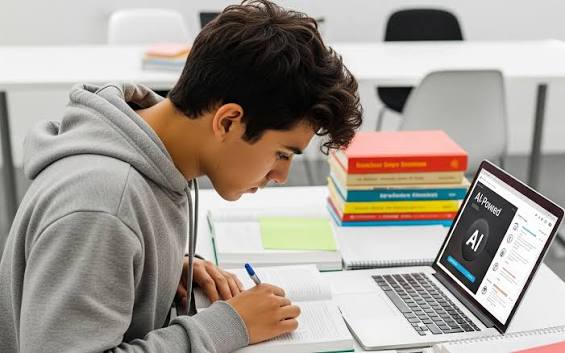
Most advice about AI and notes misses the point. It tells you to let AI write your notes which produces a tidy document and a shallow memory, because the act of making notes yourself is a big part of how the material sticks. The more useful question isn’t “how do I get AI to take my notes?” It’s “how do I use AI to make the notes I already take genuinely better?”
That’s what this guide covers: using AI to improve, restructure, and strengthen your own notes rather than replace the thinking behind them. You’ll learn how to turn messy notes into clear ones, spot and fill gaps, reorganize notes into formats that aid memory, and importantly avoid the trap of ending up with beautiful notes you don’t actually remember. The distinction between “better notes” and “notes that help you learn” runs through everything here.
Why “Better” Notes Aren’t Just Neater Notes
It’s tempting to measure note quality by how clean and complete they look. But a gorgeous set of notes you never actively engage with builds weak memory, because reading and rereading are among the least effective study methods. Genuinely better notes do more than look good they’re organized to help you recall and understand the material, and the process of making them keeps your brain working.
So “better notes” means two things: clearer and more useful on the page, and created in a way that reinforces learning rather than bypassing it. AI can help with both, but only if you keep yourself in the loop. Hand the whole job to AI and you get the first without the second. Keep yourself as the author and use AI as an editor and sparring partner, and you get both.
The Right Mental Model: Take Notes First, Improve With AI
The approach that works: take your own notes during class or reading, however rough, then use AI afterward to sharpen them. This protects the learning benefit of note-taking (your brain does the initial processing) while using AI to fix what rough notes usually lack clarity, structure, and completeness.
This is very different from asking AI to generate notes from a transcript or textbook while you do nothing. The generation approach saves time but skips the understanding. The improvement approach keeps your effort where it matters and adds AI’s polish on top. Everything below assumes you’ve got your own notes to start from.
Step 1: Clean Up Messy Notes
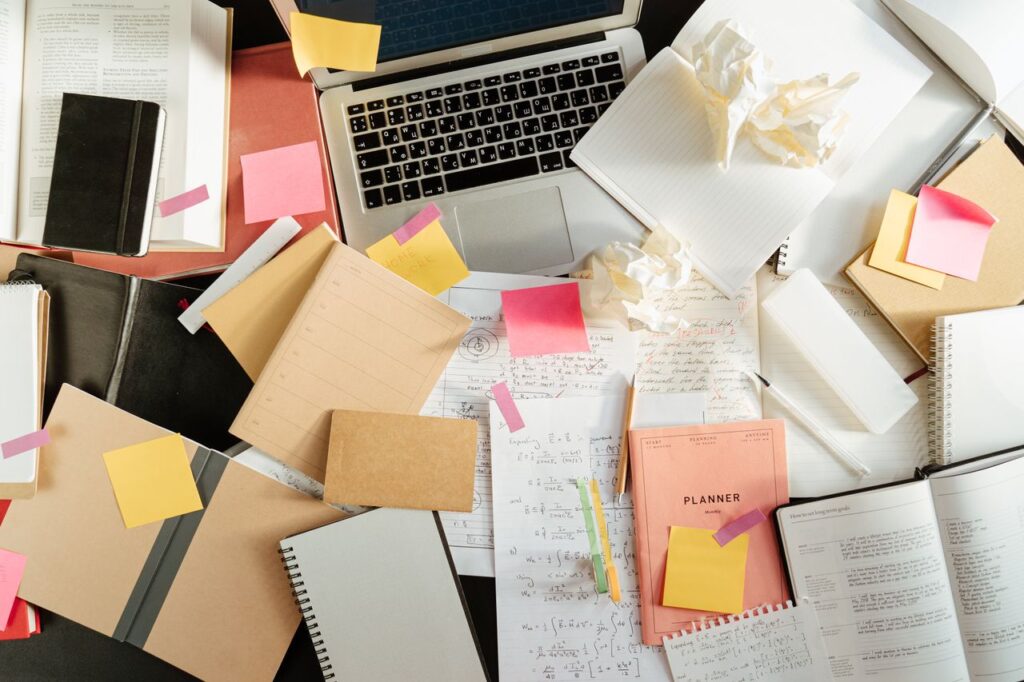
Rough notes taken at speed are often fragmented, abbreviated, and disorganized. AI is excellent at turning that mess into something clear without losing your meaning.
Paste your notes and try: “Here are my rough lecture notes. Clean them up into clear, organized notes with headings and bullet points. Keep all my points but make them easier to follow. Don’t add new information I didn’t include.” That last instruction matters it keeps the AI from inventing content, so the notes stay yours and stay accurate.
Reading through the cleaned version is itself a useful review pass, especially if you compare it against what you remember from the session.
Step 2: Find and Fill the Gaps
One of AI’s most valuable note uses is spotting what’s missing. You often don’t know what you didn’t catch. Ask: “Looking at these notes on [topic], what important points or concepts seem to be missing or unclear?”
This flags gaps you can then fill ideally by checking your textbook or asking the AI to explain the missing piece so you actually learn it, not just paste it in. A word of caution here: when AI adds information, it can occasionally be wrong, so verify anything factual (especially specific dates, figures, or definitions) against your course materials before trusting it. Use AI to identify gaps reliably; verify the content that fills them.
Step 3: Restructure Notes for Memory
This is where AI genuinely makes notes better for studying, not just prettier. Ask it to reorganize your notes into formats proven to aid recall and understanding:
- Cornell format: “Reformat these into Cornell notes a main notes section, cue questions in the margin, and a summary at the bottom.” The cue questions turn notes into a self-testing tool.
- Question-and-answer: “Turn the key points into question-and-answer pairs I can use to quiz myself.” This builds active recall directly into your notes.
- Concept maps: “Describe how these concepts connect, as a concept map outline.” Good for seeing relationships rather than isolated facts.
- Comparison tables: “Organize these contrasting ideas into a table.” Clarifies anything with multiple categories.
The question-and-answer and Cornell formats are especially worth using, because they convert passive notes into something you actively test yourself against which is where real learning happens.
Step 4: Add Clarity Where You’re Confused
Notes often capture what was said without why it matters. Where your notes mention something you don’t fully grasp, ask the AI to explain it and add a plain-language note: “Explain this point simply, and suggest a one-line clarification I can add to my notes.”
Then and this is the key move put it into your own words rather than copying the AI’s. Writing the clarification yourself keeps you engaged and confirms you understood it. If you can’t restate it simply, you haven’t understood it yet, which tells you where to focus.
Step 5: Create Summaries and Study Versions
Once your notes are clean and complete, AI can produce condensed versions for revision: a one-paragraph summary of a topic, a list of the most important takeaways, or a set of key terms with definitions. These are useful for quick review and for previewing before a lecture.
Just remember summaries are for triage and revision, not for learning material the first time reading a summary is passive. Use them to refresh what you’ve already studied, not to skip studying it.
For students who use source-grounded tools, NotebookLM is worth knowing here: upload your notes and it generates summaries and study questions grounded only in what you wrote, keeping things accurate to your material.
A Realistic Workflow
Putting it together, here’s how to use AI to make better notes for one lecture:
- Take your own notes during the lecture, rough and fast don’t try to be neat.
- Afterward, clean them up with AI, keeping all your points and adding nothing new.
- Ask the AI what’s missing, then fill those gaps from your textbook or verified explanations.
- Restructure into a Cornell or question-and-answer format so the notes double as a self-test.
- Rewrite any clarifications in your own words to confirm understanding.
- Generate a short summary for quick revision later.
Notice that your brain does the first pass and the understanding, while AI handles the polishing, gap-spotting, and reformatting. That’s the division that makes notes both better and more memorable.
The Trap to Avoid
It’s worth stating plainly: the biggest risk is letting AI do so much that your notes stop being yours. If you paste a transcript and have AI generate everything, you’ll have excellent-looking notes and a poor memory of the material, because you never did the processing that note-taking is for. The polished result creates a false sense that you’ve learned something a feeling researchers link to the “illusion of fluency,” where easy-to-read content masquerades as understanding.
Three habits keep AI in its proper supporting role:
- Always start from your own notes, not a raw transcript.
- Rewrite AI’s additions in your own words rather than copying them.
- Test yourself on the final notes rather than just rereading them.
Do these, and AI makes your notes genuinely better. Skip them, and it just makes them look better.
A Few Practical Notes
Any general assistant ChatGPT, Gemini, or Claude handles note improvement well, and their free tiers are plenty for this. NotebookLM is a strong grounded option if you want summaries and quizzes tied strictly to your own notes. On consumer chatbot plans, your inputs may be used for training unless you opt out, so adjust that setting if your notes contain anything sensitive, and avoid pasting private personal information.
The Takeaway
Using AI to make better notes works best when you flip the common advice: don’t have AI take your notes take them yourself, then use AI to improve them. Clean up the mess, spot and fill the gaps, restructure into recall-friendly formats like Cornell or question-and-answer, and rewrite clarifications in your own words. Verify anything factual AI adds, and test yourself on the result rather than just admiring it. That keeps the real learning benefit of note-taking while gaining AI’s clarity and structure on top. The goal isn’t the prettiest notes in the class it’s notes that are clearer, more complete, and that you actually remember, which is a very different and far more useful thing.
Suggested Internal Links:
- Article: How to Use AI to Create Study Notes “turning material into study notes”
- Article: Best AI Note-Taking Tools for Students “the best AI note-taking tools”
- Article: How Students Can Use AI for Studying “how students can use AI for studying”
- Article: How to Use AI to Make Flashcards “turning notes into flashcards”
External Sources:
- Dunlosky et al. (2013) — review of effective study techniques (self-testing vs. rereading)
- Research on handwritten note-taking and encoding/retention
- Google — NotebookLM Help Center
- OpenAI, Anthropic
Read More Articles on AI Global Class